We Use CookiesWe use cookies to enhance the security, performance, functionality and for analytical and promotional activities. By continuing to browse this site you are agreeing to our privacy policy

8 Best Sony Blu-Ray Players 2026 in the United States

How do we rank products for you?

Our technology thoroughly searches through the online shopping world, reviewing hundreds of sites. We then process and analyze this information, updating in real-time to bring you the latest top-rated products. This way, you always get the best and most current options available.

headphones-stars

Our Top Picks

#1

Winner

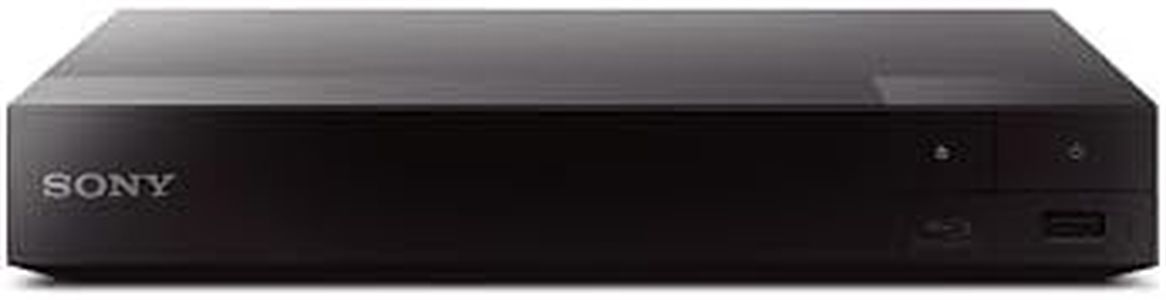
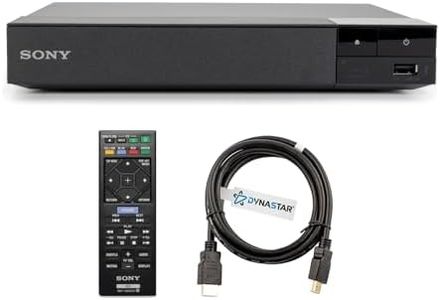
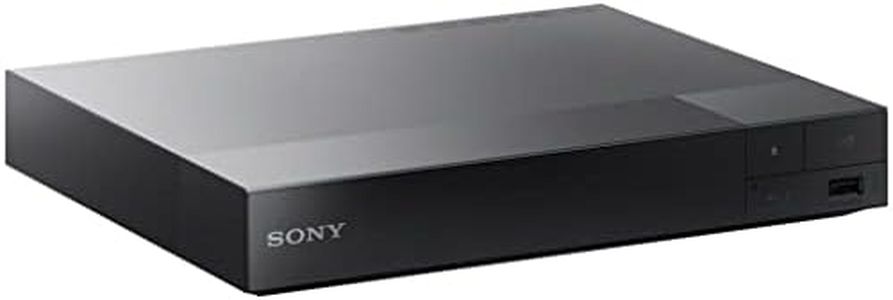
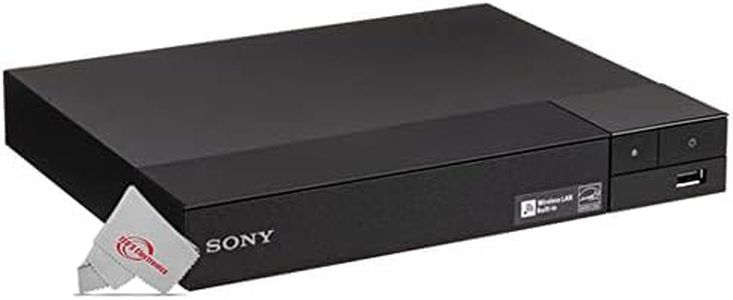
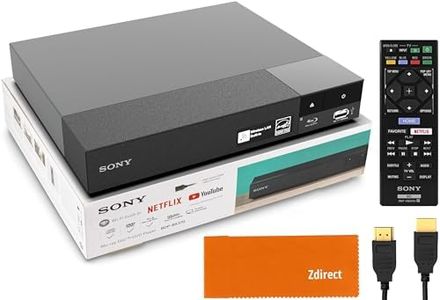
Sony BDP-S1700U Blu-ray DVD Player Dolby Digital TrueHD/DTS and DVD upscaling, with Included HDMI Cable, 2025 Model

Rating
10.0
Chosen by1,403
Video Resolution
Smart Features
Disc Compatibility

Most important from
1512 reviews

Video Resolution
Delivers fast disc handling and solid video quality comparable to more expensive models from previous years.
Smart Features
Lacks smart features and internal BD-Live memory but compensates with reliable core performance at an affordable price.
Disc Compatibility
Excels at playing Blu-ray, DVD, and CDs without any streaming distractions, focusing purely on media playback.
Connectivity Options
Comes with an HDMI cable and offers a quick, hassle-free setup experience.
User Interface and Ease of Use
Compact and lightweight design makes it easy to fit into any entertainment setup.

The Sony BDP-S1700U Blu-ray player is a solid choice for anyone wanting to watch Blu-ray discs in Full HD quality and also enjoy their DVD collection with improved picture thanks to its DVD upscaling feature. It supports Dolby Digital TrueHD and DTS audio formats, delivering good surround sound when connected to a compatible audio system. While it offers clear Full HD video, it does not support HDR, so it won’t provide the enhanced brightness and color that newer TV setups offer.

This player keeps things simple with a quick start-up time of under a second and a user-friendly interface, making it easy to operate without technical hassle. It includes an HDMI cable for straightforward connection to your TV, but lacks smart features like streaming apps, making it best suited for those mainly interested in playing physical discs. The disc compatibility covers Blu-ray and DVDs, but it does not support newer 4K Ultra HD discs.

Its compact design and lightweight build make it easy to place in any entertainment setup. This model is ideal for users who want a straightforward, reliable Blu-ray player with solid video and audio performance without advanced smart functions or the latest HDR technology.

Rating
10.0
Chosen by1,403
Video Resolution
Smart Features
Disc Compatibility

Most important from
1512 reviews

Video Resolution
Delivers fast disc handling and solid video quality comparable to more expensive models from previous years.
Smart Features
Lacks smart features and internal BD-Live memory but compensates with reliable core performance at an affordable price.
Disc Compatibility
Excels at playing Blu-ray, DVD, and CDs without any streaming distractions, focusing purely on media playback.
Connectivity Options
Comes with an HDMI cable and offers a quick, hassle-free setup experience.
User Interface and Ease of Use
Compact and lightweight design makes it easy to fit into any entertainment setup.
#2

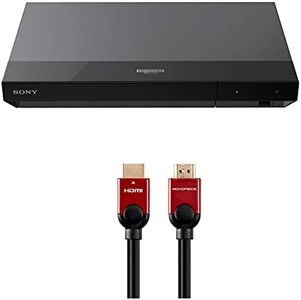
Sony UBP-X700U 4K Ultra HD Home Theater Blu-ray DVD Player 4K upscaling, HDR10, Hi Res Audio, Dolby Digital TrueHD/DTS, Dolby Vision, with Included HDMI Cable, 2025 Model

Rating
10.0
Disc Compatibility
HDR Support
Audio Formats

Most important from
361 reviews

Disc Compatibility
Plays 100GB discs reliably with minimal freezing, a significant improvement over earlier models.
HDR Support
Supports Dolby Vision and HDR10, delivering vibrant, realistic images especially on OLED TVs.
Audio Formats
Audio options include high-resolution formats like SACD, providing rich surround sound for audiophiles.
Connectivity Options
Dual HDMI outputs allow separate audio and video connections, enhancing sound clarity on advanced setups.
User Interface and Ease of Use
Setup is straightforward with quick startup and responsive remote control, making navigation effortless.
Smart Features
The player is streamlined without built-in streaming apps or Wi-Fi, focusing purely on disc playback.

The Sony UBP-X700U is a solid choice for those looking to enjoy high-quality 4K Ultra HD Blu-ray movies at home. Its standout strength is the support for 4K resolution with HDR10, which means you get clearer, more vibrant pictures with good color and brightness. It also supports Dolby Vision, adding an extra layer of visual enhancement on compatible TVs. The player handles almost all discs and file formats, including DVDs, which is great if you have a mix of older and newer media.

Audio-wise, it supports high-resolution audio and popular formats like Dolby Digital TrueHD and DTS, offering a rich, surround sound experience when connected to a compatible system. The dual HDMI outputs are a nice touch, allowing for separate audio and video signals, which can improve sound clarity if you have a high-end setup. Setup is simple with the included HDMI cable, and the interface is known to be user-friendly, making navigation straightforward. However, it lacks some smart features like built-in streaming apps, which means it focuses more on disc playback than acting as a smart media hub.

Its region code restrictions (Blu-Ray Disc A and DVD 1) might be a limitation if you want to play discs from other regions. Weighing just over 3 pounds, it’s compact and easy to fit into most home theater setups. This player is ideally suited for users who prioritize excellent video and audio quality from physical discs over streaming services or smart features.

Rating
10.0
Disc Compatibility
HDR Support
Audio Formats

Most important from
361 reviews

Disc Compatibility
Plays 100GB discs reliably with minimal freezing, a significant improvement over earlier models.
HDR Support
Supports Dolby Vision and HDR10, delivering vibrant, realistic images especially on OLED TVs.
Audio Formats
Audio options include high-resolution formats like SACD, providing rich surround sound for audiophiles.
Connectivity Options
Dual HDMI outputs allow separate audio and video connections, enhancing sound clarity on advanced setups.
User Interface and Ease of Use
Setup is straightforward with quick startup and responsive remote control, making navigation effortless.
Smart Features
The player is streamlined without built-in streaming apps or Wi-Fi, focusing purely on disc playback.
#3

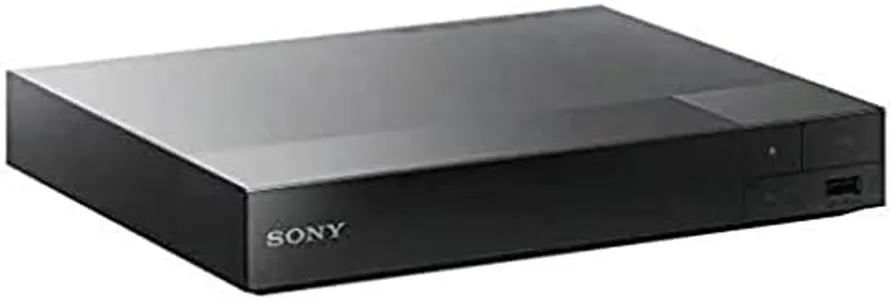
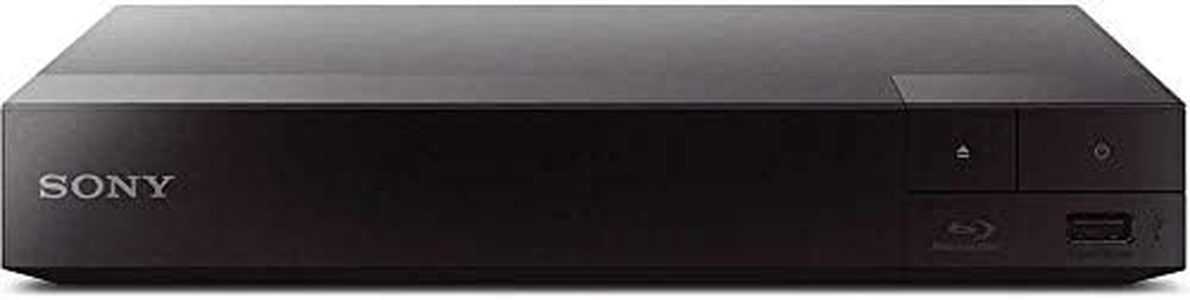
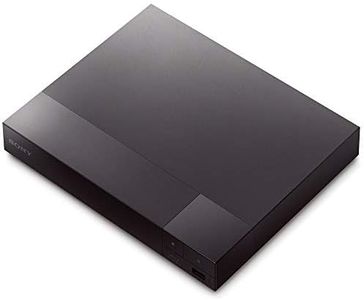
Region Free Blu-ray Player Compatible with Sony BDP-S1700 Multi Region Code Free | Blu-ray Regions A, B, C | DVD Regions 0-8 with Dynastar 6FT HDMI Bundle

Rating
9.1
Video Resolution
HDR Support
Audio Formats

Most important from
4860 reviews

Video Resolution
Delivers clear and sharp 1080p video quality with a compact design that fits easily in any setup.
HDR Support
Lacks support for advanced audio formats like Dolby Atmos and HDR video, which might disappoint users seeking the latest features.
Audio Formats
Audio output can occasionally cut out when using 5.1 DTS tracks via optical connection, suggesting HDMI or coaxial may offer more stable sound.
Smart Features
Built-in Wi-Fi connects effortlessly, though firmware updates may risk region-free functionality, so caution is advised.
Disc Compatibility
Plays Blu-rays and DVDs from any region flawlessly, making it ideal for international disc collections.

This Sony BDP-S1700 Blu-ray player is a solid choice if you want a device that can play Blu-rays and DVDs from any region worldwide, which is a big plus for travelers or those with discs from different countries. It supports full HD video at 1080p resolution, so picture quality on compatible TVs will be clear and sharp. It does not support HDR (High Dynamic Range), so the image lacks the extra brightness and color depth found in newer players.

On audio, it offers coaxial audio output and supports standard Blu-ray audio formats, but it lacks advanced sound options like Dolby Atmos. The player connects via HDMI, Ethernet, and USB, allowing you to hook it up to your TV, home network, or USB drives, but it does not have smart features like streaming apps built-in. Its user interface is straightforward, focusing mainly on disc playback, which keeps things simple if you don’t need extra apps or internet content.

Additionally, it supports both PAL and NTSC video formats seamlessly, making it versatile for use with various TVs worldwide. The inclusion of a six-foot HDMI cable and EU plug adapter adds convenience, especially for international users. This player is best suited for those mainly interested in watching Blu-rays and DVDs from any region with solid 1080p quality, but it might feel limited if you're looking for smart features or HDR support.

Rating
9.1
Video Resolution
HDR Support
Audio Formats

Most important from
4860 reviews

Video Resolution
Delivers clear and sharp 1080p video quality with a compact design that fits easily in any setup.
HDR Support
Lacks support for advanced audio formats like Dolby Atmos and HDR video, which might disappoint users seeking the latest features.
Audio Formats
Audio output can occasionally cut out when using 5.1 DTS tracks via optical connection, suggesting HDMI or coaxial may offer more stable sound.
Smart Features
Built-in Wi-Fi connects effortlessly, though firmware updates may risk region-free functionality, so caution is advised.
Disc Compatibility
Plays Blu-rays and DVDs from any region flawlessly, making it ideal for international disc collections.

Buying Guide for the Best Sony Blu-Ray Players

When choosing a Sony Blu-ray player, it's important to consider several key specifications to ensure you get the best fit for your entertainment needs. Blu-ray players can vary widely in terms of features and performance, so understanding these specs will help you make an informed decision. Here are the key specifications to look out for and how to navigate them.
Video ResolutionVideo resolution refers to the clarity and detail of the video output. The most common resolutions are 1080p (Full HD) and 4K (Ultra HD). Full HD is sufficient for most users and provides excellent picture quality on standard HDTVs. However, if you have a 4K TV or plan to upgrade to one, a 4K Blu-ray player will provide the best picture quality with more detail and sharper images. Choose based on your current TV's resolution and your future upgrade plans.
HDR SupportHDR (High Dynamic Range) enhances the contrast and color range of the video, making the picture more vibrant and realistic. There are different HDR formats like HDR10, Dolby Vision, and HLG. If you have an HDR-compatible TV, look for a Blu-ray player that supports HDR to get the most out of your viewing experience. If your TV does not support HDR, this feature may not be necessary.
Audio FormatsAudio formats determine the quality and type of sound output. Common formats include Dolby TrueHD, DTS-HD Master Audio, and Dolby Atmos. If you have a high-quality sound system or plan to get one, choosing a Blu-ray player that supports advanced audio formats will enhance your audio experience. For basic setups, standard audio support will suffice.
Smart FeaturesSmart features include built-in Wi-Fi, streaming apps, and internet browsing capabilities. These features allow you to stream content from services like Netflix, Hulu, and YouTube directly from your Blu-ray player. If you enjoy streaming and want an all-in-one device, look for a player with robust smart features. If you already have a smart TV or streaming device, this may be less important.
Disc CompatibilityDisc compatibility refers to the types of discs the player can read. Most Blu-ray players can play standard Blu-ray discs, DVDs, and CDs. Some models also support 3D Blu-ray discs and SACDs (Super Audio CDs). If you have a collection of various disc types, ensure the player you choose can handle them. For most users, standard Blu-ray, DVD, and CD compatibility will be sufficient.
Connectivity OptionsConnectivity options include HDMI outputs, USB ports, and Ethernet ports. HDMI is essential for connecting to your TV, while USB ports allow you to play media from external drives. Ethernet ports provide a stable internet connection for streaming. Consider the devices you plan to connect and ensure the player has the necessary ports. For a simple setup, one HDMI port and a USB port are usually enough.
User Interface and Ease of UseThe user interface and ease of use are important for a smooth and enjoyable experience. Look for a Blu-ray player with a user-friendly interface, easy navigation, and quick access to features. Reading user reviews can help you gauge the ease of use. If you prefer a straightforward, no-fuss experience, prioritize models known for their intuitive interfaces.

FAQ

Most Popular Categories Right Now