10 Best Vhs To Dvd Recorders 2026 in the United States
Related Products
Up to 6% off
Recommended lists

Dvd Recorders
Our technology thoroughly searches through the online shopping world, reviewing hundreds of sites. We then process and analyze this information, updating in real-time to bring you the latest top-rated products. This way, you always get the best and most current options available.

Our Top Picks
Winner
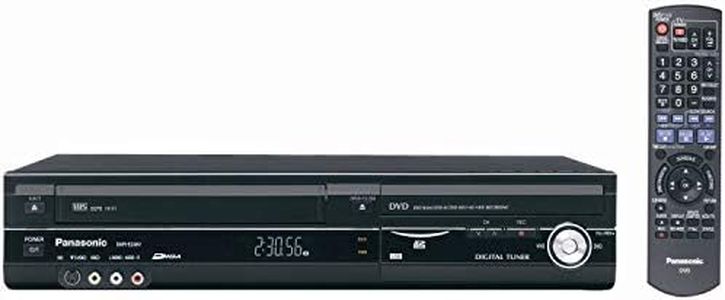
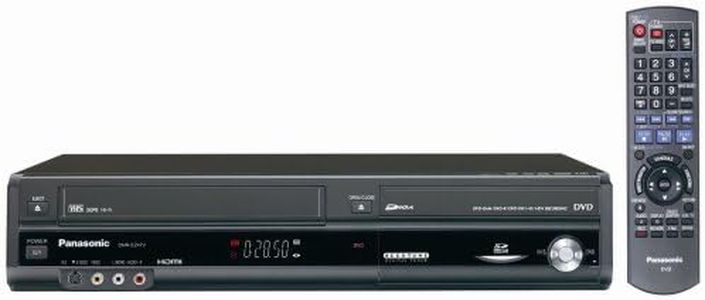
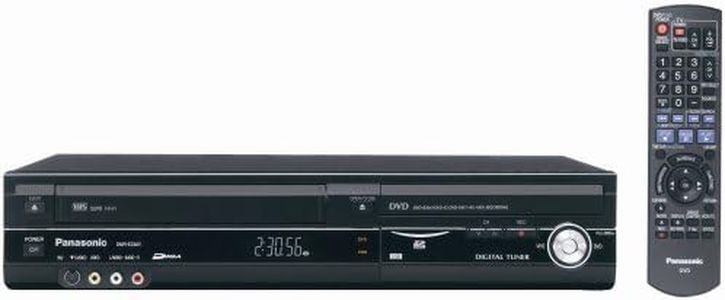
Panasonic DMR-EZ48VP-K 1080p Upconverting VHS DVD Recorder with Built In Tuner (Discontinued in 2012) (Renewed)
Most important from
50 reviews
The Panasonic DMR-EZ48VP-K is designed for those looking to convert VHS tapes to DVD with improved picture quality thanks to its 1080p upconversion. This means your old VHS videos appear sharper on modern TVs compared to standard VCR playback. It supports common DVD formats including CD, DVD, and SVCD, giving flexibility in disc choices for recording. The built-in tuner allows you to record TV programs directly, which adds some extra usability beyond just VHS transfer.
Connectivity is straightforward with an HDMI output that delivers a clear digital signal to your TV, although there is only one HDMI port and no advanced options like USB or network connections. The device focuses on simplicity and ease of use, suitable for users not comfortable with complex setups. Editing features are quite basic or minimal, so if you want to do detailed video editing, this recorder might not meet those needs. The stereo audio output is standard but doesn’t support surround sound.
This model was discontinued in 2012 and comes renewed with a limited 90-day warranty, which might be a consideration for long-term reliability. If you want a device primarily for straightforward VHS-to-DVD transfers with decent picture quality and easy operation, this Panasonic unit is a solid choice. For those needing advanced editing tools or more modern connectivity, newer alternatives may be preferable.
Most important from
50 reviews
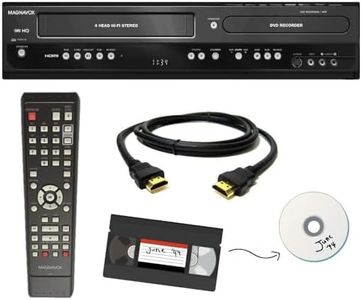
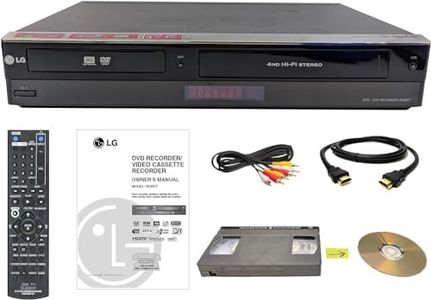
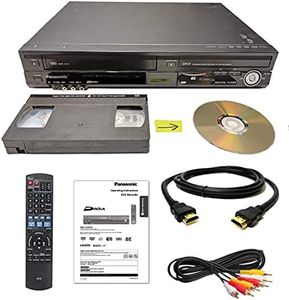
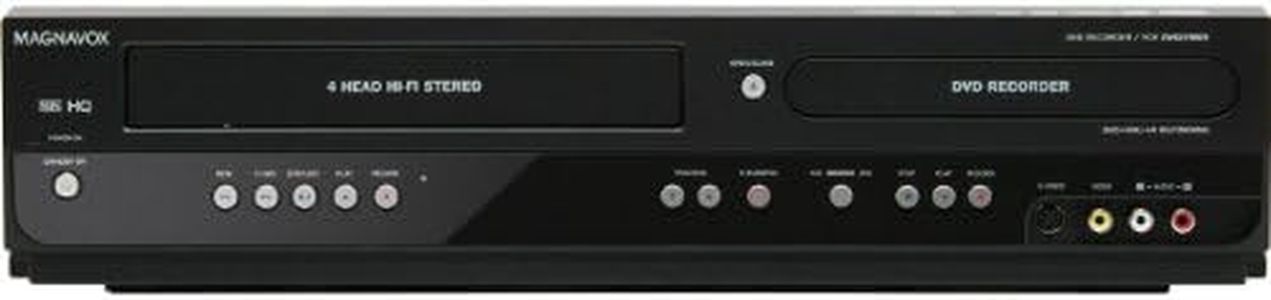
Magnavox VHS to DVD Recorder VCR Combo w/ Remote, HDMI (Renewed)
Most important from
113 reviews
The Magnavox VHS to DVD Recorder Combo is designed to help you easily convert your old VHS tapes to DVDs at home, which is great if you want to preserve memories without paying for transfer services. It’s pretty straightforward to use, with a one-button transfer feature and a remote control included, making it accessible even if you’re not comfortable with tech. The picture quality is standard for VHS recordings, outputting at 480p, so it won’t upgrade the original tape’s quality but transfers it cleanly.
It supports common DVD formats and saves files in AVI or MP4, which is convenient if you want to use the videos on different devices. Connectivity is basic but sufficient, with one HDMI port and AV cables included, so hooking it up to most modern TVs is simple. However, it doesn’t offer advanced editing features—so if you want to trim or enhance your recordings, you’d need separate software. Also, there’s no built-in tuner, meaning it can’t record live TV, only transfer from VHS.
The unit is compact and comes with a 90-day warranty, which is reassuring for a renewed product. If you’re mainly after an easy and affordable way to convert VHS tapes to DVD without fuss, this Magnavox combo should do the job, though it won’t provide extra bells and whistles found in higher-end models.
Most important from
113 reviews
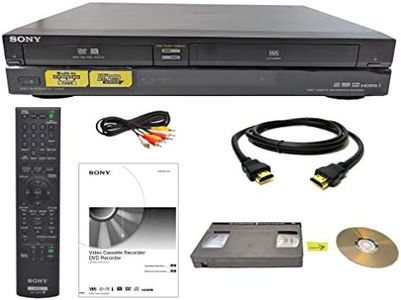
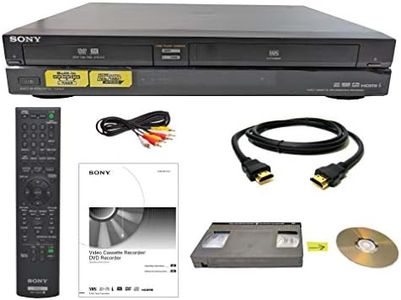
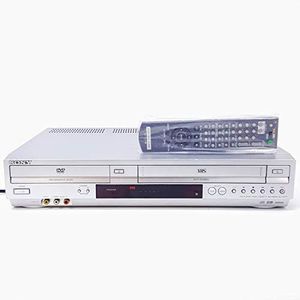
Sony VHS to DVD Recorder VCR Combo w/ Remote, HDMI (Renewed)
Most important from
60 reviews
The Sony VHS to DVD Recorder VCR Combo is a practical choice for anyone looking to transfer old VHS tapes to DVDs easily at home. Its standout feature is the one-button recording, which simplifies the process without needing complex setups. The device supports DVD recording in MPEG-2 format and outputs video at 720p resolution, providing decent picture quality that is typical for digitizing VHS content but not high-definition. Connectivity is straightforward, with an HDMI port and AV cables included, making it compatible with most modern TVs. The package also comes with blank DVDs, so you can start recording right away.
While the combo is user-friendly, it lacks advanced editing features, so you won’t be able to do much tweaking or customizing of the recordings directly on the device. Additionally, there is no built-in tuner, meaning it doesn’t function as a TV recorder for broadcast channels. The device supports stereo audio, which is adequate for VHS tapes but not for high-fidelity sound. The product is sold renewed with a 90-day limited warranty, making it a budget-friendly option but with some risk regarding longevity.
This recorder is best suited for those who want a simple, ready-to-use solution to preserve VHS memories without fuss. If you’re looking for higher-quality video capture, more editing control, or tuner functionality, you might want to explore other options. However, for straightforward VHS-to-DVD transfers with minimal setup, this Sony combo covers the essentials well.
Most important from
60 reviews
Buying Guide for the Best Vhs To Dvd Recorders
When choosing a VHS-to-DVD recorder, it's important to understand the key features and specifications that will ensure you get the best performance and quality for your needs. This type of device allows you to transfer your old VHS tapes to DVDs, preserving your memories in a more durable and modern format. Here are the key specs to consider and how to navigate them to find the best fit for you.FAQ
Most Popular Categories Right Now


